Right Click, Text Select & Drag Disable Codes (HTML, JavaScript & jQuery)
Protecting your website content is important, and simple code snippets can help prevent unwanted copying and image theft. On this page, you will find ready to use HTML, JavaScript, and jQuery solutions to disable right click, text selection, link dragging, and image drag actions.
Contents
Use this method to stop users from selecting text on your webpage. It helps prevent copying of written content and improves content protection with a simple JavaScript or CSS script.
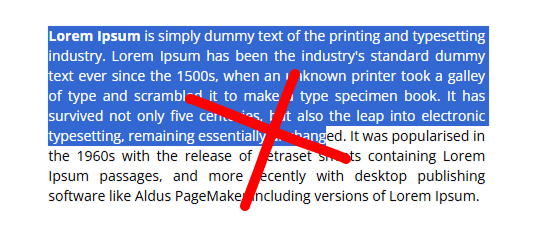
<style>
    body {
        user-select: none;
        -webkit-user-select: none;
        -moz-user-select: none;
        -ms-user-select: none;
    }
</style>

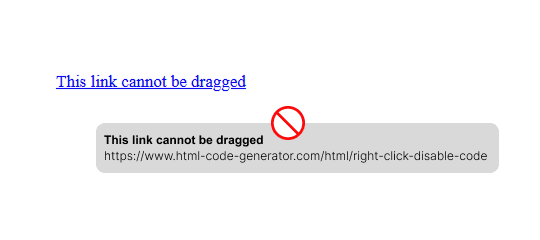
<p>This text selection is disabled.</p>This technique prevents users from dragging link text from your page. It is useful for avoiding unintentional dragging actions and keeping your page interactions clean and controlled.
This method completely disables right click without showing any popup message. It silently stops the browser context menu from opening.
document.addEventListener("contextmenu", function (e) {
    e.preventDefault();
});When a user right-clicks on the page, an alert message appears. This version does not fully block the action but informs users that right click is disabled for page protection.
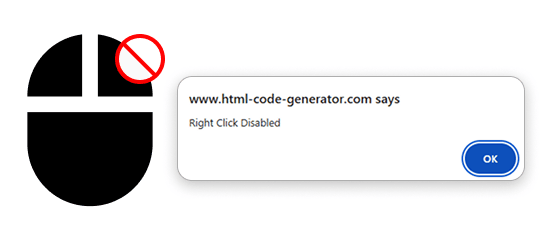
document.addEventListener("contextmenu", function (e) {
    e.preventDefault();
    alert("Right click is disabled on this page.");
});Disable right click on images without displaying any alert. This silent approach prevents image saving while maintaining a smooth user experience.

document.querySelectorAll("img").forEach(img => {
    img.addEventListener("contextmenu", e => e.preventDefault());
    // drag disable
    img.addEventListener("dragstart", e => e.preventDefault());
});
Show an alert box when a user tries to right click on an image. It helps prevent image copying while clearly informing users that downloading or saving images is restricted.

// HTML image
// <img src="image.jpg" class="protect-img" alt="">

document.querySelectorAll(".protect-img").forEach(img => {
    img.addEventListener("contextmenu", function (e) {
        e.preventDefault();
        alert("Right click on images is disabled.");
    });
    // drag disable
    img.addEventListener("dragstart", e => e.preventDefault());
});
Stop image dragging without showing alerts. This simple code silently prevents users from dragging pictures off the page, keeping your images protected without interruptions.
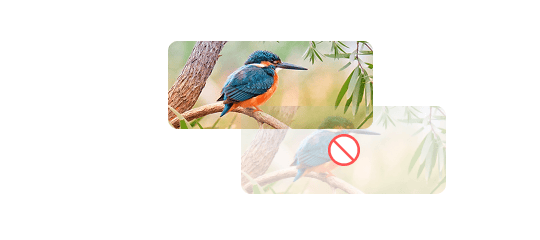
document.querySelectorAll("img").forEach(img => {
    img.addEventListener("dragstart", function (e) {
        e.preventDefault();
    });
});This method blocks users from dragging images and display an alert message.
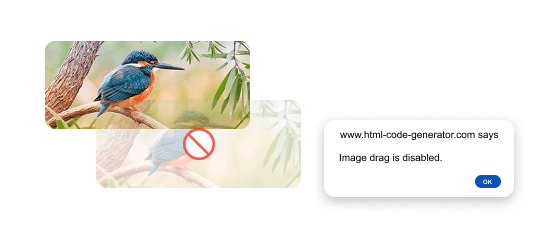
document.querySelectorAll("img").forEach(img => {
    img.addEventListener("dragstart", function (e) {
        e.preventDefault();
        alert("Image drag is disabled.");
    });
});